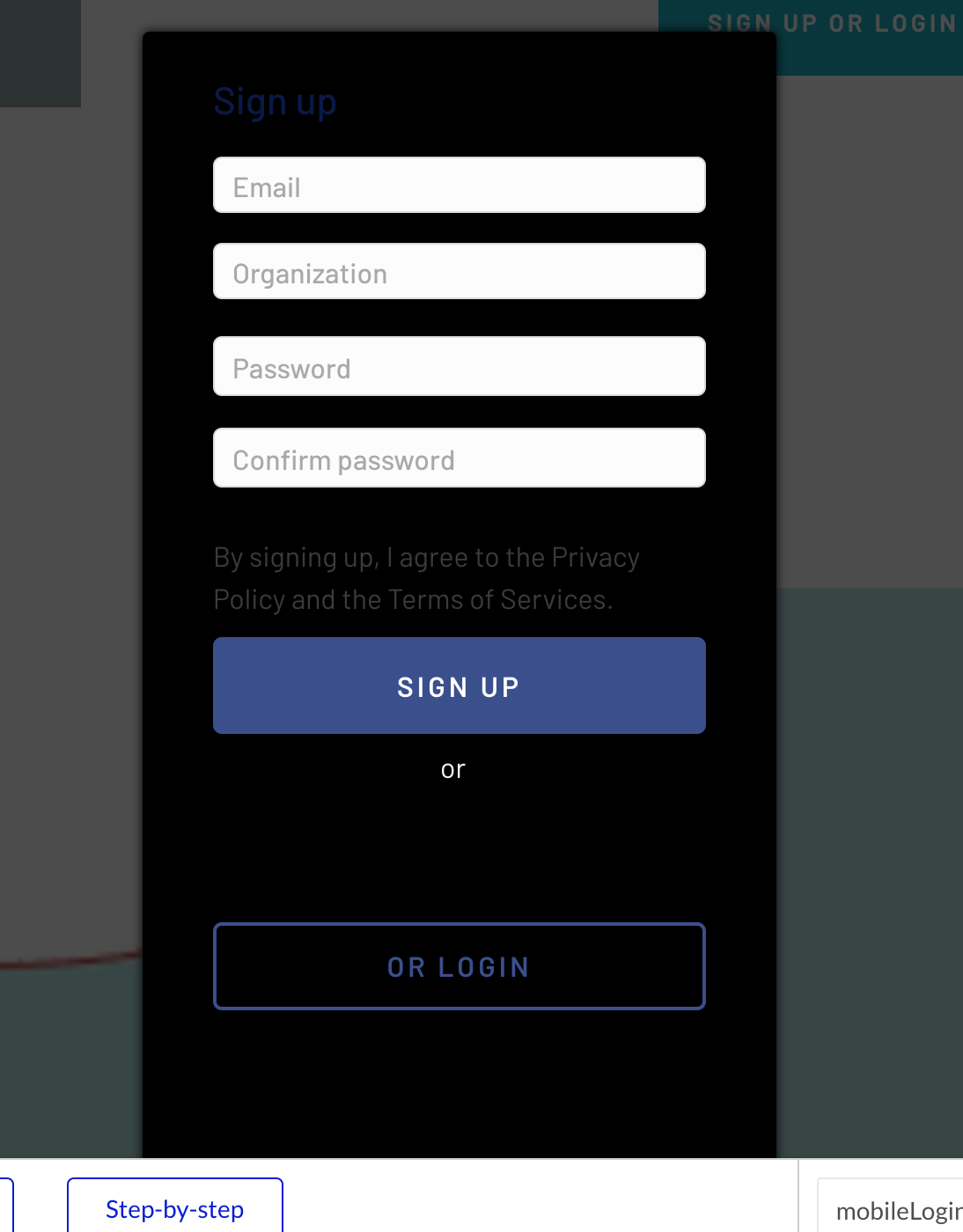
We just released a plugin that allows you to add Single Sign-on (SSO) login capabilities with multiple providers without the effort of setting up an OAuth Token Authorization and Refresh Flow.
Plugin updated with an additional SSO Profile element. The element captures the state of authentication and offers profile info (Name, Email, Provider) that you can save to your Bubble User DB.
When using these types of signin, am i still able to use “current user” data? My understanding would be no because the bubble system doesn’t know you’re logged in, instead that login provider knows you’re logged in.
i use the ‘current user’ a lot. I’m wondering how these 2 tie together?
Hey @jared.gibb when you use the SSO plugin, it signs your users in and gives you the users public profile information (name, email, provider and picture) that you can access in the element state.
The right way to go about this would be to ‘Sign the user up’ with the information available in the SSO profiles state and then ‘Log the user in’ as the current user.
Once this is done, you continue working with the Current User in Bubble as you have effectively transferred the SSO profile to the Current User in Bubble.
However, its important to include this in your signup workflows early on.
Hey @jared.gibb The Google Keys would need to be added in Pathfix (not directly in the plugin). I can walk you through this on live chat here (https://app.pathfix.com)
Hi - how would the implementation of this work for existing users? If I have a user that has already created an account on Bubble and then tries to login with SSO is there a way of detecting this via a workflow using this plugin and enabling SSO on their account?
This is not always that helpful, as you may have set up your Google Cloud Platform project in a different way. Or need to authorise with a different email address.
My Edge Case - For “sensitive” scopes (i.e. just reading a calendar), Google now requires you to get your app validated prior to use, which is a pain when testing. You can either click through the dire warning on the browser each time, or set it up so that you limit the access to emails on the owned domain you are using at the time. The latter is simpler for testing.
So if you set up the app to allow access from only *@mycoolstuff.com then but Pathfix is registered to me@gmail.com then it will constantly give you an unauthorised error when doing a Passthru call. Something like “The Host or Origin does not have priveleges to complete the request.” - Yeah, complete with spelling mistake
Even if you sign up using the account to your app, it will fail on Initialise.
Don’t put them in the payload. Nothing will happen.
This is actually a lot fiddlier than it should be
The good news - it all works really nicely (fiddly bits included) and allows you to concentrate on navigating Google’s hideous APIs without worrying about the authentication.
Could you please provide me with more information on the following :
Is the Instagram login covered by your plugin (paid version?)
I played with your demo app. An authorization is given to retrieve, among other info, the name and the profile picture. Is the user profile picture retrievable after login?
@sharma.himanshu0608 I believe we get the information in the Public Profile and we could expose an additional property, but it would be non-standard across all the providers (since only the social networks may offer this).
So, we think it should be possible to retrieve this information and made available through the SSO profile for…