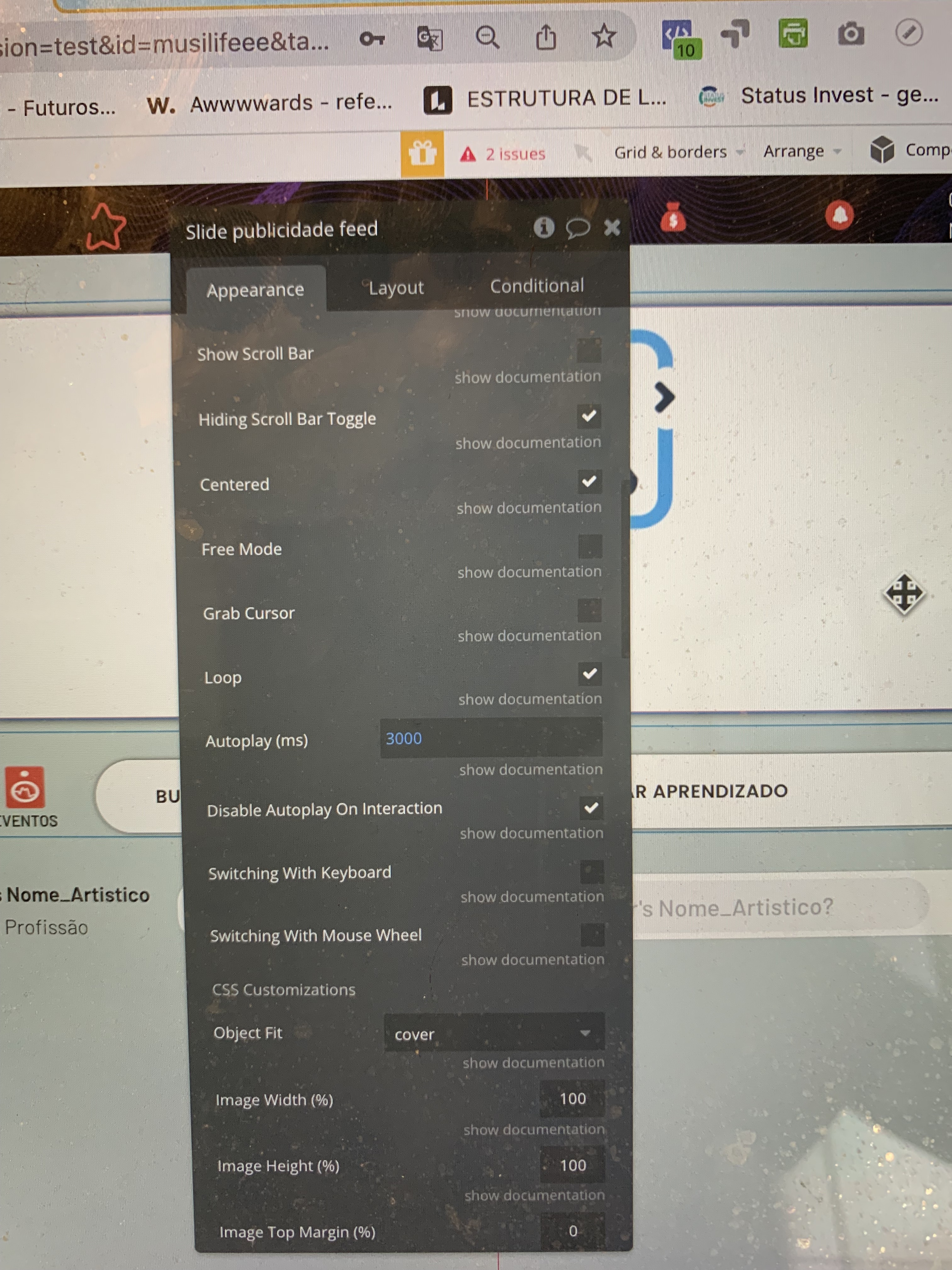
I’m applying the Wonderful Image Slider for a client and am experiencing a strong lag whenever resizing a window (due to the wonderful image slider, it goes away when element is deleted). I’ll attach a video below.
Thanks for the video. You’re right, every time the page is resized, the plugin is updated and the codes are run again. I’m sorry you are experiencing this. We are working to make Wonderful Slider better.
Thank you for your feedback, I’ll let you know hen there is a new update.
Thank you and please update me when this is fixed…
Additionally, I’m having trouble implementing the design my client wants on Mobile. I’d like to crop the image width 80% and expand the height on mobile. As you can see, it’s pretty condensed and doesn’t give me much room to add any additionally text or such. I’m assuming I’ll just have to crop it manually and set conditions?
Hello,
i start using this plugin which seems very nice.
I wonder how we could initiate worklow by clicking and not 2 clicking.
Also, could we also use conditionnal to initiate a specific workflow when Image#2 for instance is displayed?
Regards
Victor
On the sample page that I built before, you could see how initiate workflow by just one clicking.
For the other question, you could see the active index of Wonderful Slider with the “Active Index” state. In this case, you could see the displayed slides according to the value you assign to the “Slides per view” property of Wonderful Slider.
Here is an example: I set the “Slides per view” value of the Wonderful Slider as 3.
This means that the slider will show me 3 images at once. The Active Index value of Wonderful Slider gives the index number of the first image displayed. According to this, I can find the index number of all the slides shown.
Hey guys, I tried to make this work by myself, but I’m still struggling. I simply cannot reload images in the image slider. My workflow is super simple. The image slider is in a popup. So in the workflows, there are two steps:
Display data in the popup
Show the popup
The popup has the correct data type, and I simply show the parent’s group data in the image slider.
The whole logic is super simple, so I really have no clue what I did wrong. I checked some of the solutions mentioned in this topic, but nothing helped.
I’ve built a page for a similar case before. Could you please examine this page and try it on your own app? If your problem persist, please share detailed screenshots with me. Thus, I can help further.
I’m using the plugin inside of a repeating group and it looks and works great. However, when the data changes for the repeating group the slider is the only thing that retains the prior image list and won’t update. I’m fairly certain it’s a slider issue as all other fields update properly and the slider loads properly with initial data.
Is there a workaround to force the update? I’ve tried creatively structuring conditions to fire and reset the image list and they all fail. Any help appreciated.
PS: I don’t need video but would purchase the paid version if it handled the update.
Thanks for the suggestion on Orchestra. Really cool plugin, but I’ve implemented it and I’m getting a javascript error that I think is because I’m passing my data to a reusable element. The resusable element has the repeating group with the slider plugin. I don’t fully understand why other elements can auto-update but the slider cannot. I’ll probably have to deconstruct the resuable element for this one interface in order to solve the problem. Thanks anyway.
Just FYI @rob.lewis it’s definitely possible when you’re using a reusable. In my scenario I have a search results page with a repeating group where each results card is a reusable and within each card is a slider. You need to put a musician within the reusable and put the maestro on the page.
I’m away from my computer for the weekend so can’t share any screenshots but it does work. If it’s still not working for you, part of me does wonder if it only works in my scenario because I set this up and then wrapped the card it in a resusable after the fact. Maybe there’s a loophole there where it works.
Inside the parent group I need to place it and two more custom elements with side arrows!
The problem is that up to 999px wide it is the same height as everyone else! After 1000px it starts to change height and looks different from the other elements that are inside the parent group! What can it be?
It is possible to solve it by automating the side elements to change the height as the slider does! However, I wanted to ask first to see if there is a simpler solution in the app’s settings that I’m not seeing!


 I checked some of the solutions mentioned in this topic, but nothing helped.