
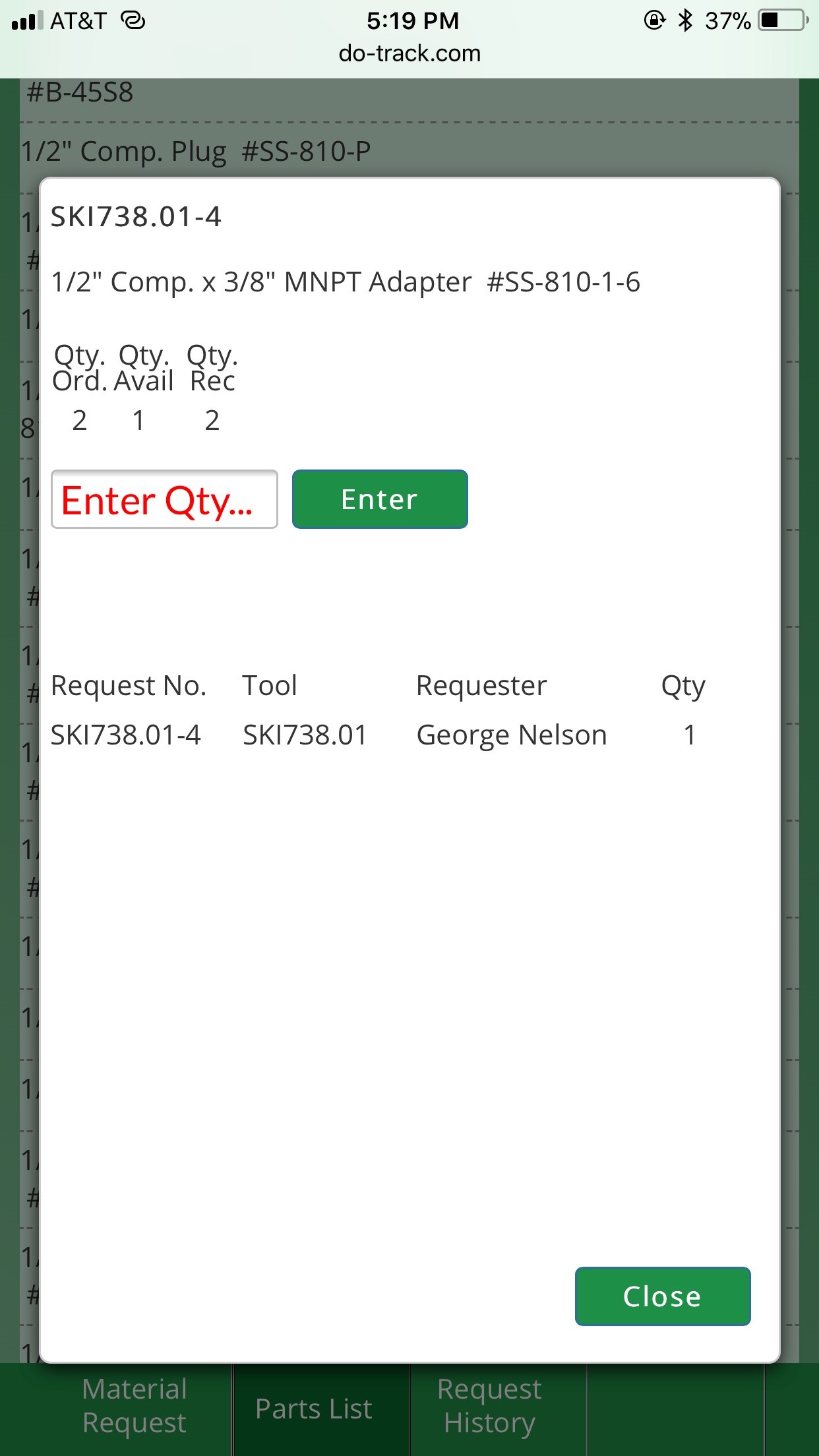
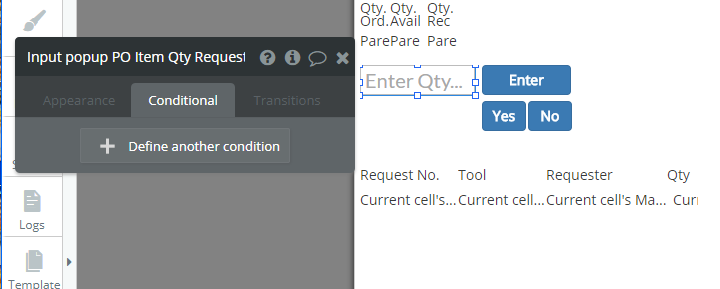
I have an input field on a popup that has decided it wants red as its placeholder text. Well I don’t want it to be that color. I don’t know what’s causing it nor how to remove it. I even added another input element for a test and its placeholder text was gray as it should be. So then I deleted the first one and the new input element’s placeholder text turned red.
Any ideas the cause and solution?
Here are imaged of what it looks like and the settings for this input field.

Thanks,
 Does this happen in all browsers? Can you share a link to the app editor? I’m sure you’ve checked, but there isn’t a duplicate input on the page which has the placeholder set to red?