
As far as I know I have the right to comment. A new feature does not eliminate the real needs that the platform should be concerned about.
2 Likes
Great !
But only the production plan can create more than one branch ?
In the explanatory video, it talks about a premium plan, I have an application in the professional plan and I’m only managing to create one
1 Like
Congrats @nicole.zhang and @nick.carroll !!! Huge update!
1 Like
Awesome work. Version control was a bit of a pain - we always had to leave version-test alone for hotfixes. Looking forward to using this. Thanks Bubble team!
1 Like
Amazing. It looks like bubble is finally becoming an adult 
- great videos and tutorials, this is how it should be done! Minor design tweaks to the editor and everything is perfect
4 Likes
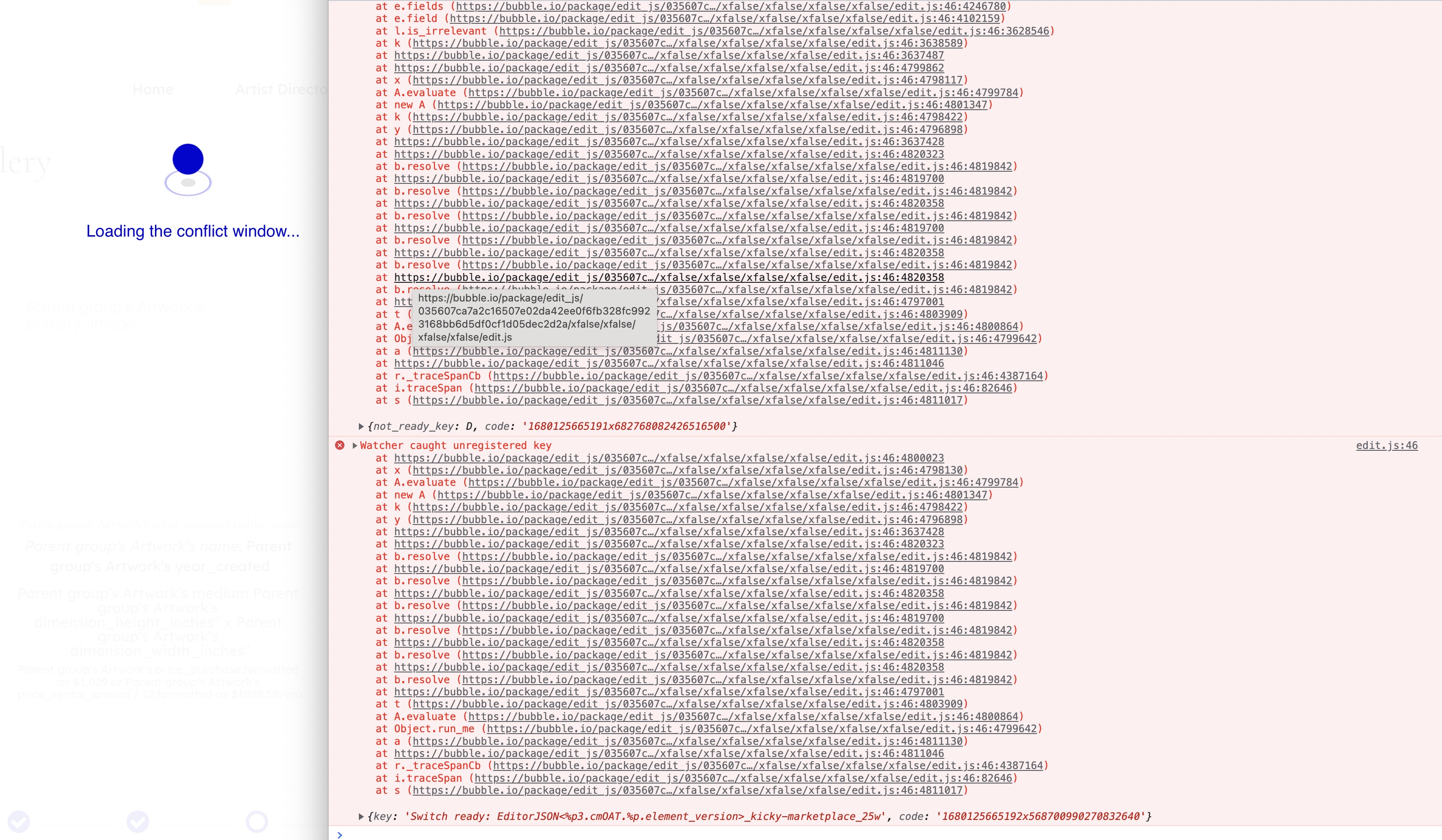
Stuck with this bug when trying to merge from live. Only way to resolve it is to use the Chrome Developer tool to hide the overlay and then click the “Cancel Merge” button.
Merge from live doesn’t work at all.


This is especially frustrating for agency plan uses developing for clients. My team develops a lot of MVP projects for clients. When we complete the handover the app goes from our agency account to their personal plan and we lose access to these key features which aren’t supported. The fact that these uses have to spend an additional $100 a month just to add a second development branch is unreasonable.
Just because it’s gone from agency to personal doesn’t strictly mean it’s for one developer. It just allows the user to launch their web app while we continue ongoing development. Regardless, you should be providing these key features to other solo developers anyway. Version control is important even if its just one additional version.
7 Likes
Haven’t been able to actually test this out yet, but looks like a great improvement! Awesome to see this come to light.
2 Likes
Hi! At the moment, the Professional plan is only able to create one custom branch. However, this will likely change as we monitor utilization of this feature. Thank you for your feedback!
3 Likes
Amazing! This is the kind of feature that takes a product to another level and makes me glad to have chosen Bubble as the no-code tool to focus on and build my career on top of.
2 Likes
Sorry to hear you are bumping into an issue? Have you filed a bug report yet?
And just to clarify, this only happens when using the “Sync with Live” function?
1 Like
Yep, bug report filed. Waiting for next business day on support.
Happens any time I try to merge into a particular branch.
1 Like
On the professional plan, can you not have two collaborators working on the same app? Should there not be at least two branches so each person can have their own branch? or is this the case already and the branches on the professional plan are based on login?
1 Like
This is great.
How do we deploy to live from another branch, that is not the main branch? In the old system it was possible to deploy to live from any version…it would be terrible to lose this functionality.


I don’t see any button for ‘deploy to live’…in the manual the video is for the old system.
I can’t try it out yet (I’m on the Professional plan). Do you have to unlock it somehow? Or will this be rolled out gradually.
2 Likes
Yep same question here, how do we activate it ?
Great work. Could you consider to add background red color to the indicator, when turn in to Live environment?
I often confuse to edit in Live, thinking I’m in Dev.
1 Like
Fantastic work Bubble team! This is really great.
I am on the Professional plan and also confused as to how to get more than 2 branches, as it keeps asking me to upgrade as multiple branches ‘is only available to professional plan and above’. Is this a bug?
Secondly the naming of the branches link is somewhat confusing. Previously if you had a version called ‘staging’ for example, the URL would be ‘…version-staging…’
However now it is version-{random_number_letter_combo} which is not really logical.
Anyway, excited to get using this!
1 Like
Deploying to Live is only possible from the Main branch to encourage a cleaner deploy pipeline through Main
2 Likes
If you aren’t seeing the new version control system, there could be 2 reasons:
- If you are on the scheduled tier, you should receive the new code around 9a est.
- If you are on a professional plan or higher and have 1 or more custom versions, you can opt into the new version control by using the upgrade button in the legacy version control dropdown
2 Likes