
Hi Lola, these are the settings.

@anon33759447 When you access the room URL directly (by entering the room URL in your browser), do you still see an error message saying “something went wrong”?
If so, there might be an issue with your account, and you may need to contact Daily directly. Please let them know that when you try to access Daily room urls directly in the browser, you see the “something went wrong” message and cannot enter the room.
If you do not see the error, it could have been a temporary glitch.
I’m creating and joining rooms on my end and I’m able to join.
Yes, I still see an error message. I’m thinking they might have blocked my IP address? This is a “no bueno” for me. I think Im going to have to setup my agora account as backup in case Daily.co (or one of them fails).
Let me know if you are able to join. It could just be me. Maybe they blocked my IP
I just sent them a detailed email. I want to see this issue resolved. But I have no choice but to rely on a backup in case one of them fails.
@anon33759447 looking at the room url and the console logs I see this error.
Looks like you’re using a feature that requires a credit card to be added to the account. To resolve, you likely need to add a credit card to the billings tab of your Daily account.

Just received a quick reply from them,
Hi Josue,
We made a policy change a month ago and sent out emails to developers on Free accounts to add a credit card. It is now a requirement to have a credit card on the Free accounts, although the credit card will not be charged if your account is within the Free tier constraints, i.e., you still have 10K free minutes.
To be able to make calls, please log in to the dashboard and add a credit card.
Best,
Dominic
Yeah, although still wise to have a backup. I appreciate your help as always Lola!
Thanks I didn’t know they made that change, I’ll update my docs!


This is the correct way to set up the workflow: Nocodedemos | Bubble Editor
You’ll need to add “begin event listening” after “Daily- join room” for left meeting to trigger
Hi @lola
Loving the plugin! I’m just working on getting live streaming working. Is there any way to access the custom layout/VCS options for the stream layout. The key thing I’m missing is the option to show participant names on the stream.
Many thanks!
Hi @akipuzzles,
Thanks for trying out the plugin! Unforuntately, Custom layout/VCS isn’t included in the plugin at this time, but I’ve added it to the Canny board as a feature request.
Thanks @lola
I was able to set it up as a simple API call using the API Connector for now and all seems to be working well. Many thanks!
Hi @lola!
I’ve noticed that increasingly, the plugin doesn’t work for some users, especially on corporate or school networks.
I suspect this is due to firewall restrictions blocking peer-to-peer (P2P) or UDP traffic. In the official Daily JS SDK, there are methods like testNetworkConnectivity() and settings like sfu_switchover to force server-relayed video. However, I don’t see these exposed in the Bubble plugin.
I didn’t find any posts here about firewall/network issues or ways to force TURN/relay mode. Has anyone encountered this problem?
Do you know if the plugin exposes methods like testNetworkConnectivity() or supports configuring sfu_switchover?
Any tips on detecting connectivity problems or forcing fallback to server-side video within Bubble would be great. Thank you!
Hi @josh19
It’s not in the plugin, but you could create a separate API call outside of the plugin to update the room with some useful settings. Here are a few parameters you could enable:
enable_network_ui: This will show the network status and controls in the call interface.enable_mesh_sfu: This configures a room to use multiple SFUs (the servers that handle video streams), which helps your calls scale to a large size and reduces latency.sfu_switchover: This number sets the participant count for when the call automatically switches from a peer-to-peer connection to using an SFU. For example, if you set it to4, the call will use an SFU once the fourth person joins, which helps keep the call stable. The default is .5 I believe
Here is an example API request you could use to update a room’s configuration with these settings:
curl --request POST \
  --url "https://api.daily.co/v1/rooms/ROOM_NAME" \
  --header "Authorization: Bearer YOUR_API_KEY" \
  --header "Content-Type: application/json" \
  --data '{
    "config": {
      "enable_network_ui": true,
      "enable_mesh_sfu": true,
      "sfu_switchover": 4
    }
  }'
You would just need to replace ROOM_NAME and YOUR_API_KEY with your actual room name and API key.
Hope this helps
Hi @lola ! I was just testing the meeting room link to join via mobile and it has popup to unblock mic and camera…on step 1 - I cant find anywhere in the browser bar camera icon to be UNBLOCKED (NB. the camera looking icon at top is google lens).

Do you have a more concise step by step how to unblock this - as I am planning to use daily plugin for virtual consultation platform and can imagine most users will want to join the call via their phone ?
Thanks for reaching out, @ellustro!
What browser are you joining from?
It depends on your browser, but typically you can update permissions from the top corner if you initially rejected them when the call started.
Here’s what it looks like in Chrome:

On Safari mobile, the settings are at the bottom, for example.
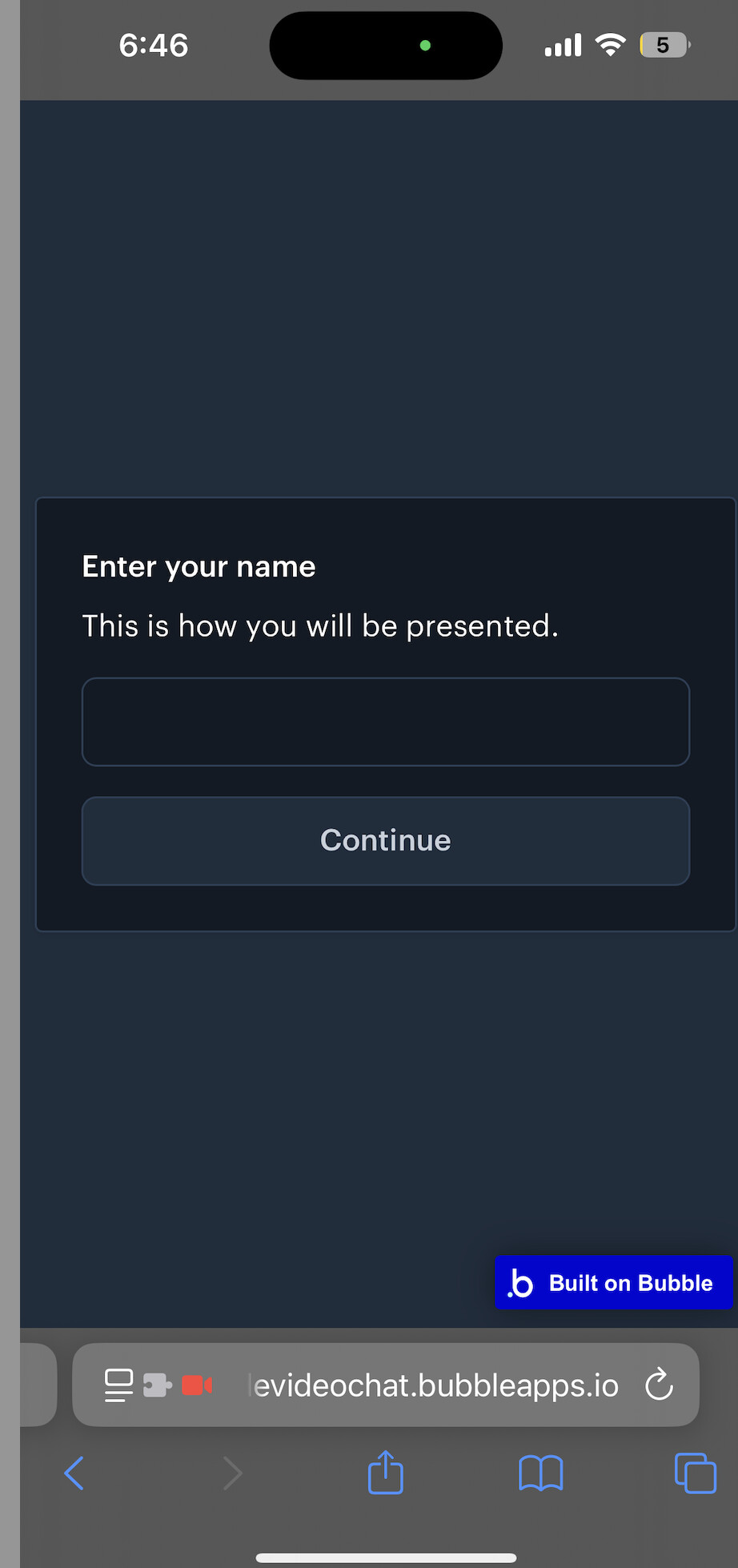
Just a heads-up: if you’re building a native mobile app with Bubble (not a web app), this particular plugin won’t work, as Daily prebuilt is built for the web. You would need to wrap the app to be able to use in a native mobile app.;
Hi Lola we recently implemented your plugin in our app because agora plugin doesn´t work for mobile, our app is wrapped and we are facing some problems like:
Iphone user can´t see or hear the other user, while when I connect from a android device I can see them and hear them.
Do you now if this is an issue with the wrapper or there is something we can do to fix this
Hi @eliezerord97 — thanks for reaching out! The plugin is currently built for the web and is not compatible with Bubble’s new native mobile wrapper at this time.
If you have a web app that you are wrapping, it will depend on the wrapper you use. Some users have had particular success with GoNative.io (now median). Just make sure your wrapped app has the necessary permissions to work with WebRTC. That is the missing permission that is not allowing your app to work on iphone and android.