Hello @ian11, if you have any concerns or need assistance with, you can send us an email customer@techblocksco.com. or simply mentioned @help6 for support.
hello @ken1, may I know what’s the issue you’re currently having now?
Thank you. I’ve posted the error message above. I get an exception if I try to change the toggle value by workflow.
@ken1 Alright we will look into it and will get back to you with a proposed solution.
Thank you
Hello David,
Is this issue still occuring on your end? Let us know if you need assistance about Toggle Plug-in.
hey @ken1 , Could you share a link with your editor so we can take a look? Make
sure to add alex@techblocksco.com as a collaborator or temporarily set
the permission to “Everyone can Edit”. I will try to check and solve
the issue and will give you an update afterward,
Are you unable to reproduce the exception error?
All I’m doing is setting the value by workflow as I showed in my screenshots. I saw other screenshots of what looked like the same problem.

Hello @ken1 , this error pops up when the team tries to click on the link you shared. Did you set the permission to everyone can edit?
I only added the one email as a collaborator. I assume you would need to accept that? I’m not sure how it works. My coach is a collaborator, so I know it will work if you have an agency plan (my Personal plan does not support collaborators directly). I’ll send that invite again in case it got lost. If you do not have an agency plan, please let me know and I’ll temporarily turn on the “everyone can edit” feature (I’d rather not if it can be avoided though).
Thank you.
Let us check again. If we can be able now to see it.
Hello @ken1
Hi ken,
To resolve this issue, just add an empty element ID in the custom tooltip ID; this way, no tooltip will show in the chart. Please see the image below for your reference.

Best,
Help6
I think you answered a question from a different question I asked a while ago. I still needed that, so thank you!
It’s a much more critical problem though that I can’t change the value of a toggle from a workflow. It throws an error.
Hi @ken1,
Upon checking it works fine on our end. The possible cause that it displays error on your end could be the Toggle button is hidden.
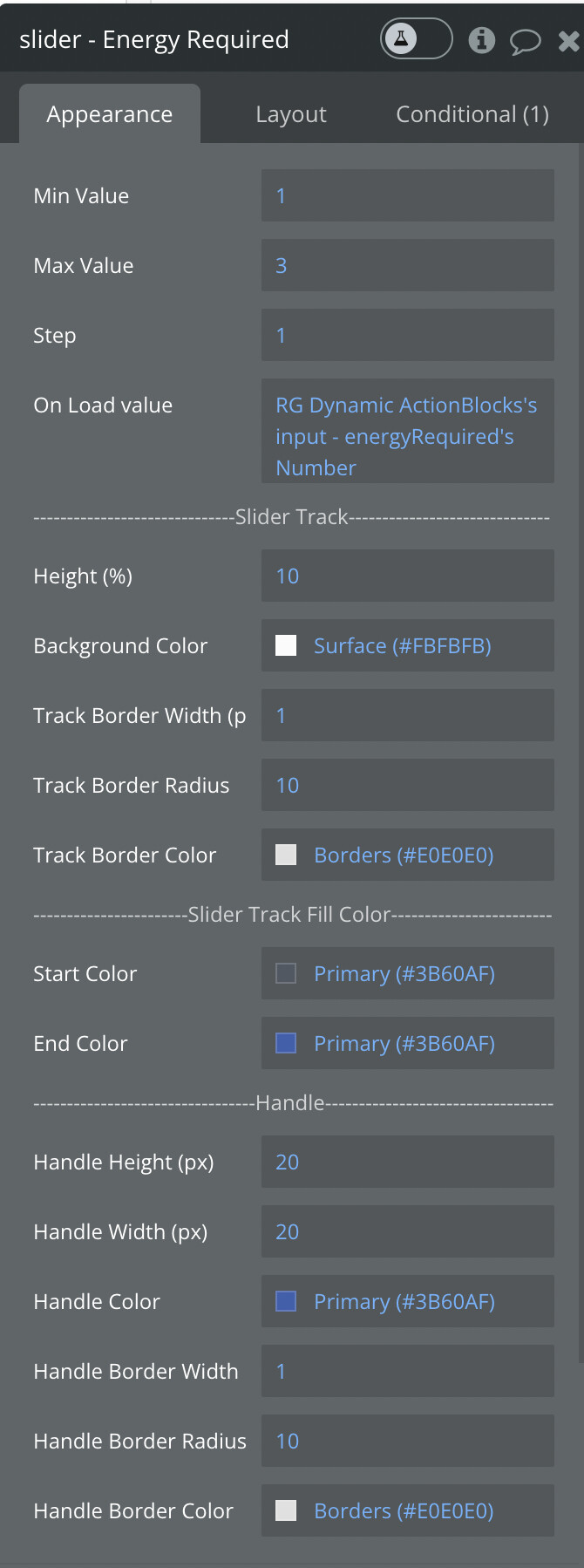
@help6 Hi. I’m getting a UI anomaly when I have very small steps over a large range. Near the bottom and top of the range, I get the handle’s border looking squared off instead of a nice round border as I get in the center. It’s not the most horrible error, but it would be nice if it could be fixed. This would make it look a lot nicer!


@help6 I am having issues when setting the toggles value in a workflow similar to many others, this is happening when opening a popup from a repeating group and setting the value to the current cells value.
when I open the popup I am then getting an error It appears that this is an ongoing issue as others seem to have reported the same bug. Is there a fix to this?

I also tested this setting the value to yes or no when opening the popup and I received the same error.
Thanks Sam
Hi, excellent plugin btw! I would like to ask how to achieve this custom toggle effect with custom texts?

I am slowly following your bubble editor demo but the layout tab has limited settings shown due to read-only settings i guess. Hoping to get some assistance, TIA
@help6 Hi. I’m still having this issue. Is this something that might get fixed? I love the look and feel of this element, but this display anomaly bothers me.
Hi @notjrag thanks for reaching out!
Hmm… even with the read-only settings, you should be able to see how it’s implemented. Did you ensure that you selected the toggle element? There is a group in front of that element, so you may have accidentally clicked that

@ken1 I’ll take a look at your request and get back to you shortly!
@alex4 Here is an example of my settings: