
Hi Bubblers, I’m getting used to the new responsive settings and I can’t figure out how to make it so a text box shows the entire text. There used to be a checkbox to uncheck about cutting off content, but it seems to have vanished in the new set up. Any help?
Hi there, @oliphant… check out this thread.
Best…
Mike

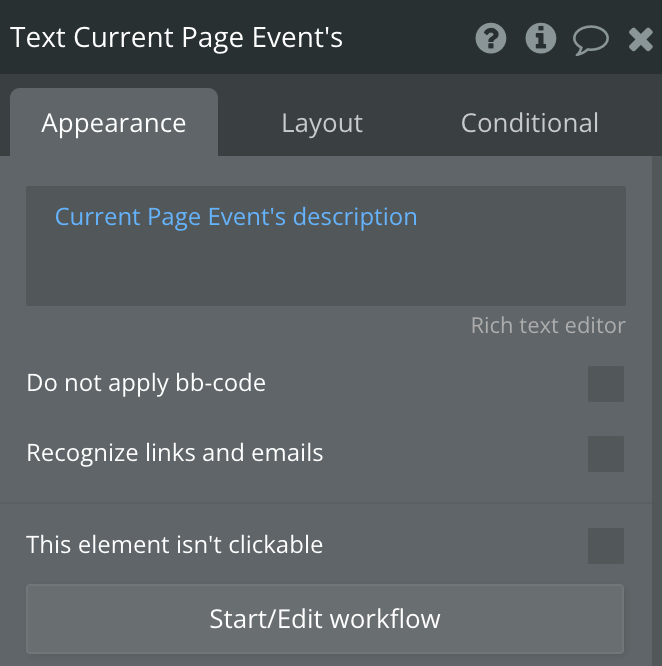
Did you try clicking on the element’s Layout tab?
If you don’t see a Max height input on that tab, it’s because the Container layout of the element’s parent container is set to Fixed. Change the layout of the parent container, and you will be able to set a max height on the element.
Ahh, there it is! Thank you 