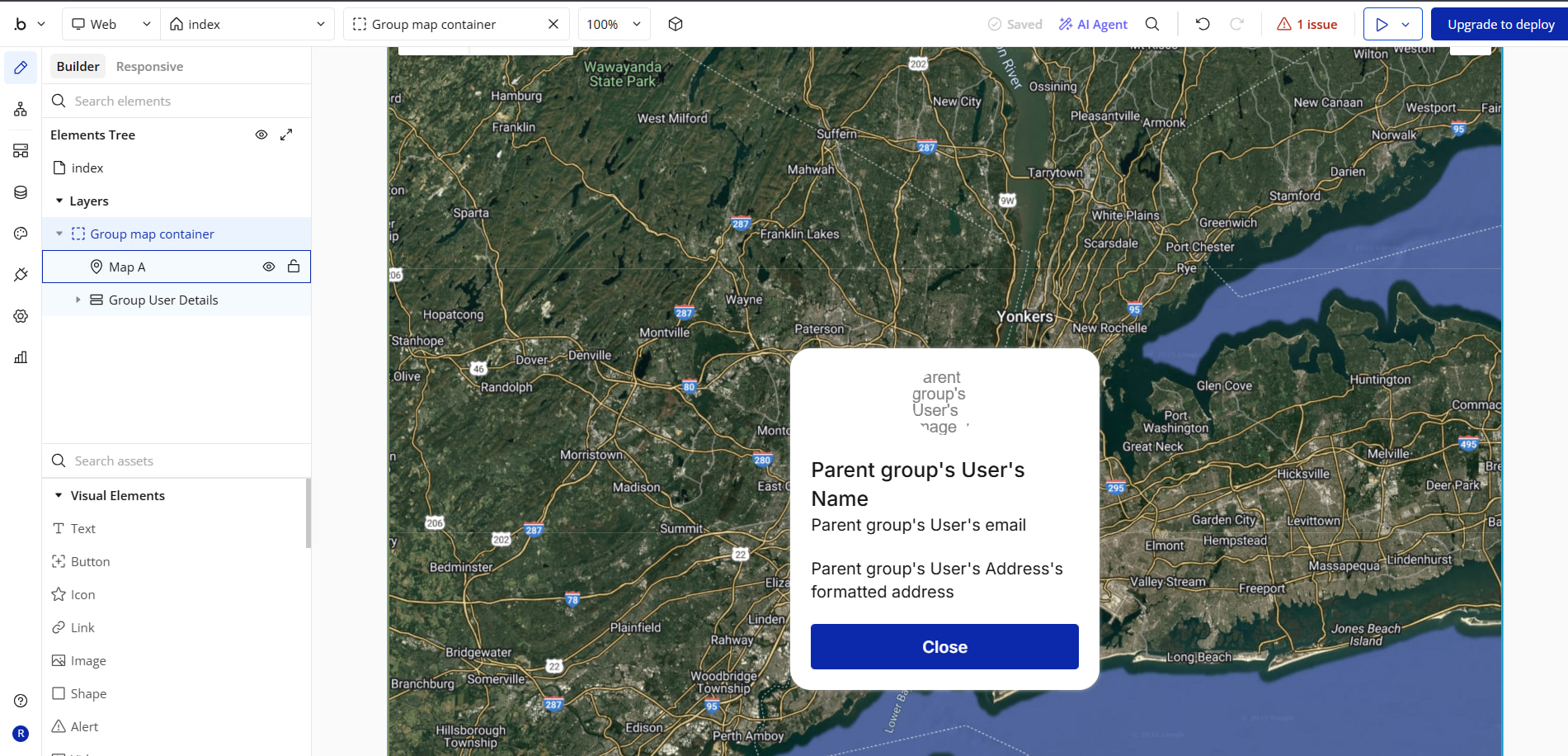
Hi guys,
I want to make the marker caption clickable and send users to a page after click. IS this possible at all?
Hi guys,
I want to make the marker caption clickable and send users to a page after click. IS this possible at all?
Hi,
Yeah! You can make it clickable.
Are you looking for something like this
Hello,
I have a question related to an Android bug, does your app show the markers there? I see they are the standard ones of the maps, instead I used custom markers and for a bug it doesn’t show them (only on Android devices).. Your answer would help me give more information to bug management support..
You’re right. When I select a custom marker, it doesn’t show anything.
Could you give me a hand by also presenting a bug report on this? I hope they solve it soon because I went to the stores:confused:
Yes. how did you create that card? I want both the marker and a card on top. thanks
Here is the solution
Align to parent.Pass the addresses.Map Marker Clicked.Display data.This topic was automatically closed after 70 days. New replies are no longer allowed.