There’s a specific time when all participants (users who join the quiz) should start the quiz, and this time must be within the 24-hour window.
How can I restrict that?
Currently, I can select tomorrow’s date and pick a time that is more than 24 hours from now.
For example, if I create a quiz at 3:00 PM, the quiz should remain available in the app for 24 hours. However, I can set the quiz start time for 6:00 PM tomorrow, which is more than 24 hours from when the quiz was created.
Hi, I think you mean restrict in the Date & Time picker element (not after to display the right quiz)?
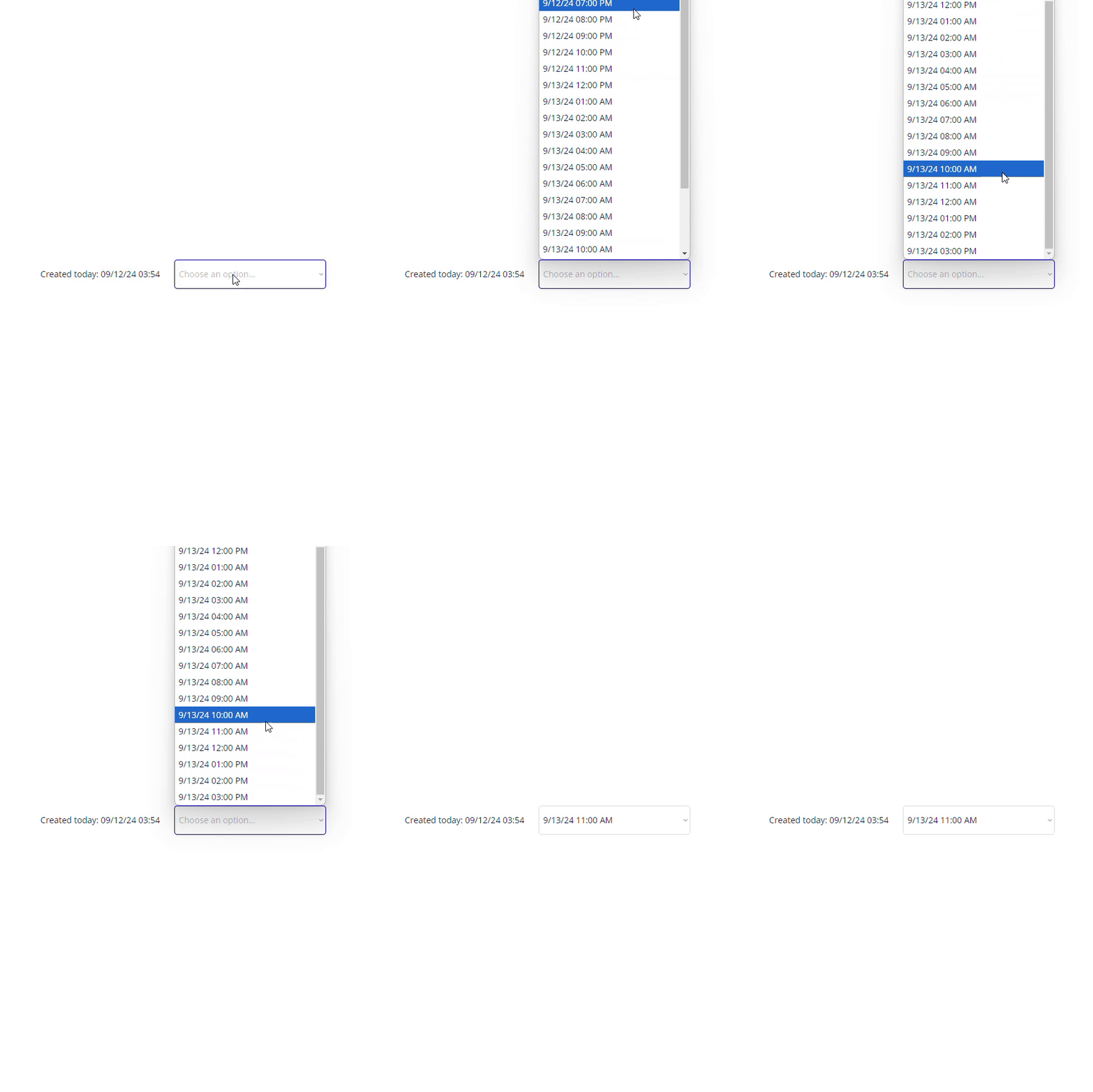
It’s a tricky question and I didn’t achieve to do this with the native bubble element. But a workaround for your case would be to build your own dropdown:
Cons: it’s not scalable at all if you want to expend the duration to more than 24h.
But for 24h it does the trick.
For this I used:
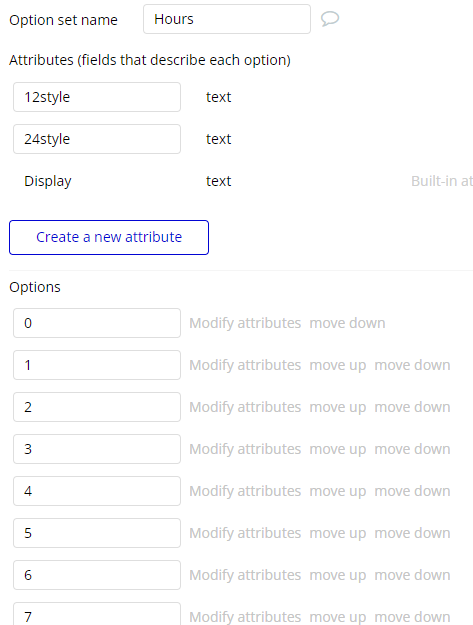
an option set Hours with a list of number in the display and 2 attributes for the 12 and 24 hours styles
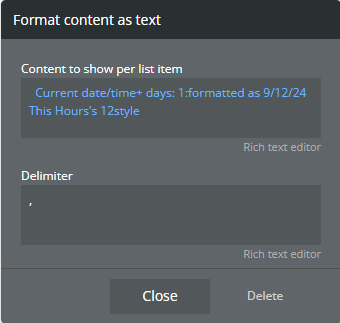
a dropdown with this source where I get the hours for the rest of today and merge it with the rest of hours until tomorrow same hour. And I add some format:
first filter:
format as text:
second filter:
second format:
When selected you can now then store the date using the “Toolbox” plugin “Expression” element with this to convert dropdown value to a date:
Now I want to set the quiz to start the next day, on 09/14/2024. The latest time I should be able to pick is 8:32 AM on 09/14/2024.
Currently, when I view the times available on 09/14/2024, it shows all the hours.
For example, I selected 11:00 AM, which is more than 24 hours later, and it automatically adjusted to the latest valid time, which is 8:00 AM. Now I can see all the times on 09/14/2024 up until 8:00 AM (which is what I was trying to achieve in the first place).
I believe I can fix this by correctly configuring the “Maximum date” or “Maximum time” settings.
The problem with the native date & time picker is when you setup a “maximum date” it doesn’t take into account the time to limit your choices in the time picker. And when you setup a “maximum time”, it put the limit on all dates. That means in your example:
created at 09/13/2024 8:32 AM
you put “maximum time” to 8AM
in the time picker:
09/13/2024 picked, only time from 0 to 8AM available (which is not good, because you want the opposite)
09/14/2024picked, only time from 0 to 8AM available (which is what you want)