
if your users need to create emails inside your Bubble app, the editor can become a whole project of its own.
i built MailCraft to make that part easier. it puts a drag-and-drop email builder directly in your app, and you connect it to your own Bubble workflows.
Demo: Bubble | No-code apps
Marketplace: MailCraft - No-code email builder Plugin | Bubble
your users can build newsletters, promotions or updates with text, images, buttons and columns. you can change the editor’s logo, name and colors to fit your app.
there’s auto-save, undo/redo, image uploads and responsive HTML output using MJML.
so if you’re building a newsletter tool, a CRM or a client portal, you have an editor to start with. you handle where the email is saved and how it’s sent.
how it fits into Bubble
add the MailCraft element to a blank page, make it full width and height, and set up the Save data and Exit builder events. connect Send test email too if you want that option.
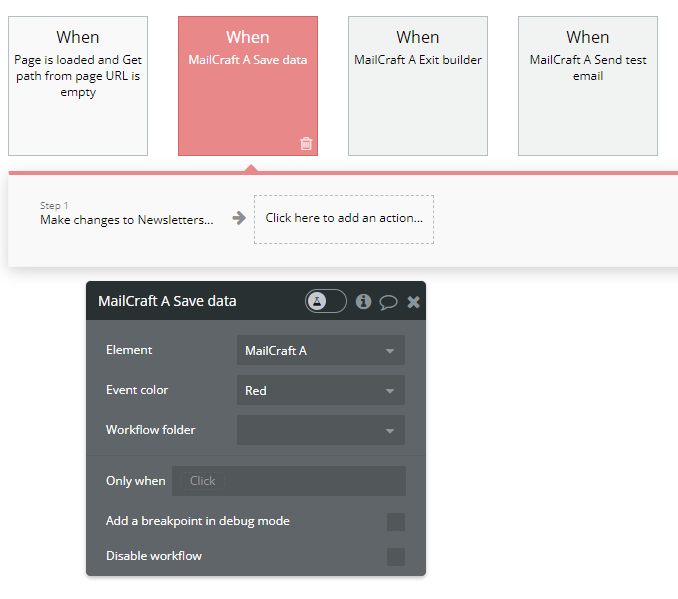
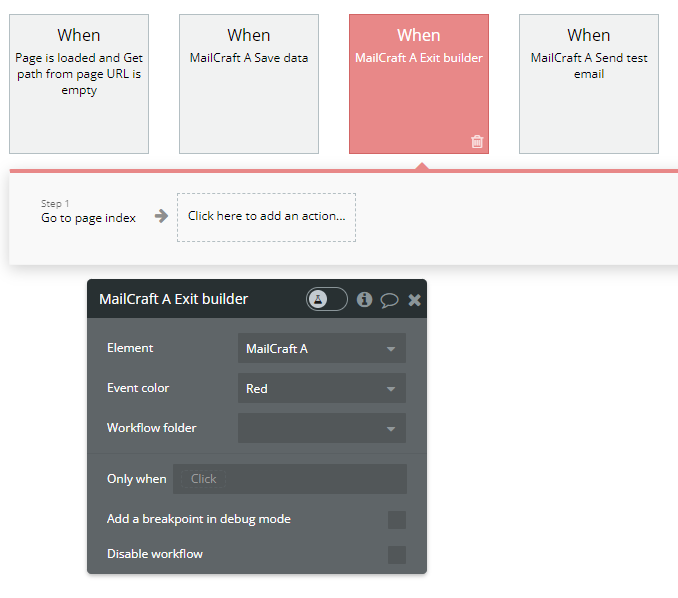
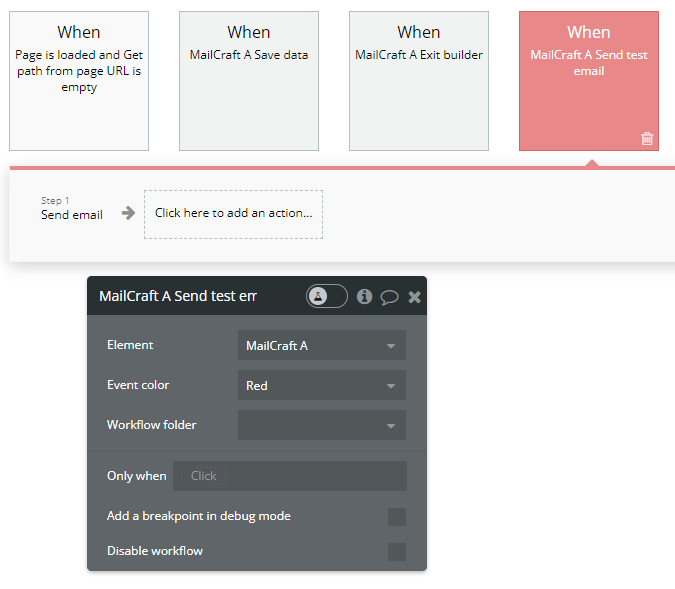

the email output is responsive. the editor itself is designed for a full-screen page.
a look inside the builder

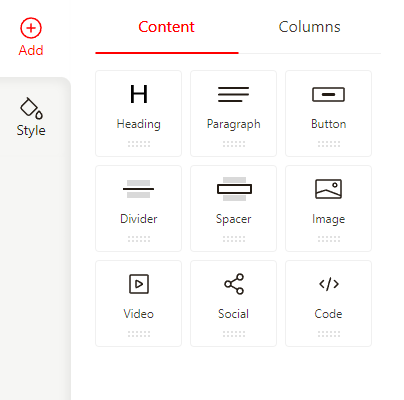


try it in the live demo. if it fits your app, get MailCraft on the Bubble marketplace.