My name is Nick and I’m a product manager at Bubble. I’m back to share a small update designed to improve your web editing experience.
Introducing the reverse scrolling repeating group
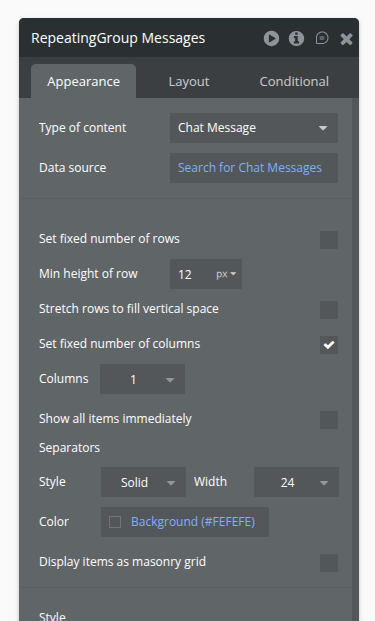
Chat is everywhere these days so we’re adding a new feature to repeating groups to make it easier to build chat interfaces on web projects: the ability to reverse scroll a repeating group. When turned on, your repeating group will scroll from the bottom up, as opposed to the top down, for a more native chat experience. This is perfect for a social media messaging feature or your own agentic chatbot.
This setting is available when:
The repeating container is set to fixed height
There is a non-fixed number of rows
Repeating group is set to vertical scrolling
Thank you for your continued feedback and stay tuned for more!
More practical stuff like this related to how developers would realistically integrate AI. Just spend the rest of the year doing this and core platform stuff (loops, etc.).
Would be great if this worked with pagination, one of the main issues with bubble RGs is the memory leaks they cause, so for use cases like chat you’d really want to paginate this
I’m trying a few layouts but having done trouble perfecting the input box to sit flush on bottom and then message to scroll to correct point when added by admin or visitor.
Also, little off topic, any idea how to make sound each time the opposite end send message?
This is a really nice update. It would have been nicer if the height doesn’t have to be a fixed height. Depending on the screen height of the users viewing your app, a fixed height RG might not be the best UX for them.