Make your application better with prettified URLs and routing. You can use routing to define URLs that are semantically meaningful to users and that can help with search-engine optimization (SEO).
This plugin helps you change the URL without re-loading and also extracts the different sections of the URL split by ‘/’.
This is plugin is suitable for use on all pages except index.
Add the Router element to any page you would like to perform routing in.
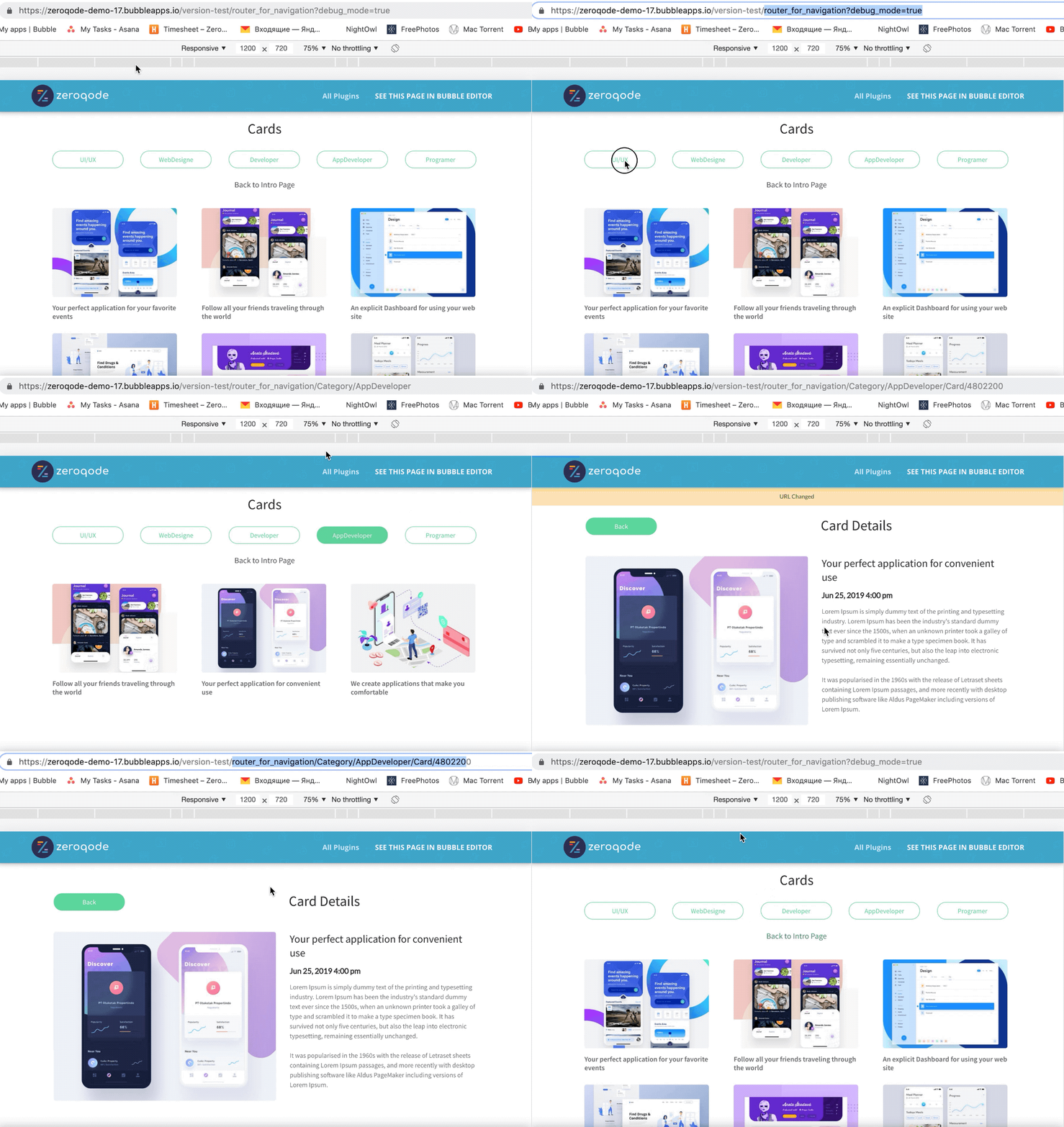
Use the “Change URL” action to make changes to the current URL and as a result, fire the “URL Changed” event automatically.
Use the “URL Changed” event to trigger workflow actions that will change what the user should be seeing based on the values of the different paths & parameters extracted from the URL.
Note: The first path is the path immediately after the page name. For example if the url is https://test.bubbleapps.io/library/books the 1st path will be books.
This plugin also handles dev version and live version which can be set in the router element properties.
So for example if the url is https://test.bubbleapps.io/version-test/library/books the 1st path will still be books.
@sudsy Hey Steve, sorry mate, didn’t mean to attack your territory, it’s just that we use this functionality very often in the templates, before we were doing it with custom code, but when some users started complaining that there is too much code for no-code template we decided to pack it into a free plugin
Thanks for understanding
we’ll double check this and I’ll get back to you shortly
@levon Does this work with across resusable elements? ie a button in a header that triggers a reusable element in the same page to show. I can get the URL to change, but Router on the page wont recognize the change.
Hello Daniel,
Greetings from Zeroqode team!
As I understand, you’d like to add the router to the reusable elements not to add it to every page apart.
Sorry, but it’s not supposed to work this way. Could you do it in the order described by Levon in the first message please?
Can you please provide more information about this weird things your users are experiencing? In the mean time you can install the Browser plugin by Copilot which I believe has a replaceState function.
When a user clicks back; my conditionals for displaying elements based on /path are sometimes too slow or out of sync with the rest of what is displaying, it’s hard to articulate.
Thanks for the tip about copilot browser plugin, this is what I need, I will use both of your plugins together.
@ZeroqodeSupport@levon i want to know if this is possible and how to do it, if it is possible, i want to still be on the same url when a page is refreshed, how can i do that… , right now when the page is refreshed(reloaded) the url moves back to the default one.
Maybe you need to adjust how you setup your conditions. You can use states which are set from workflow sections but you can also reference the Router element’s values directly.



 Figured it would happen at some point though. Nice job.


